
Good day Chief,
I'll be taking you on how to get your transaction ID on your LoadNG User Dashboard.
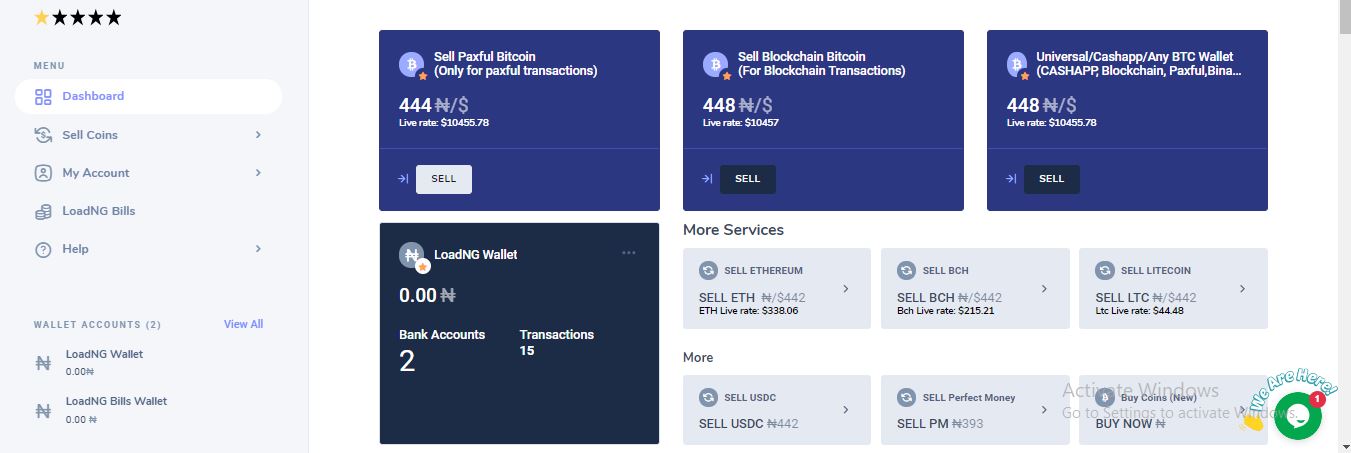
After you've logged in to your LoadNG Account, this is your user interface, click on My Account on the left menu dashboard side.
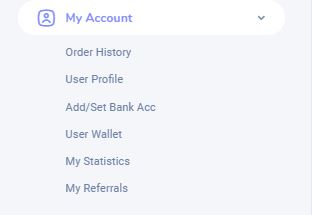
Above are the options under My Account, to get your transaction ID click on Order History.
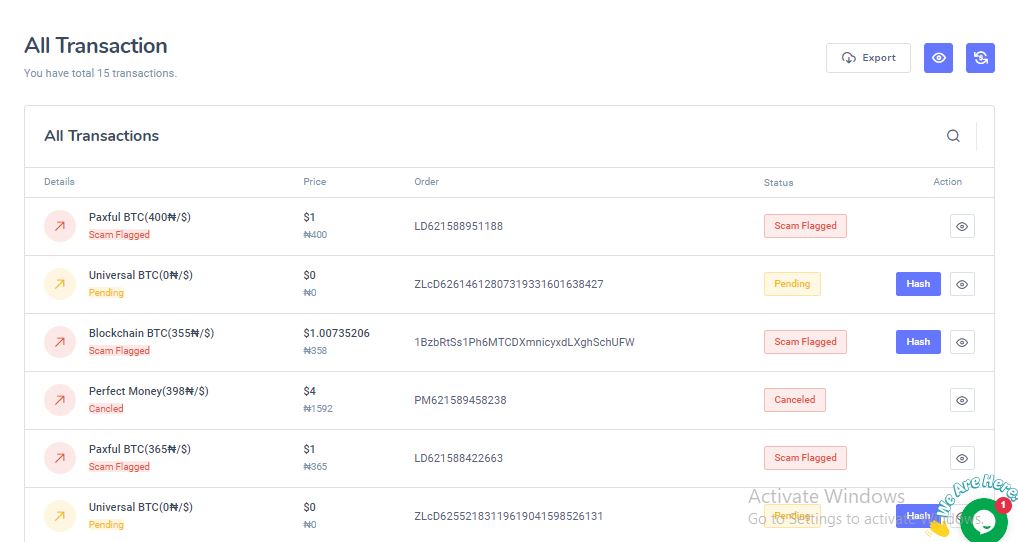
You now have all your transaction details in one place. You can easily track your transactions.
Comments
0 comments
Please sign in to leave a comment.